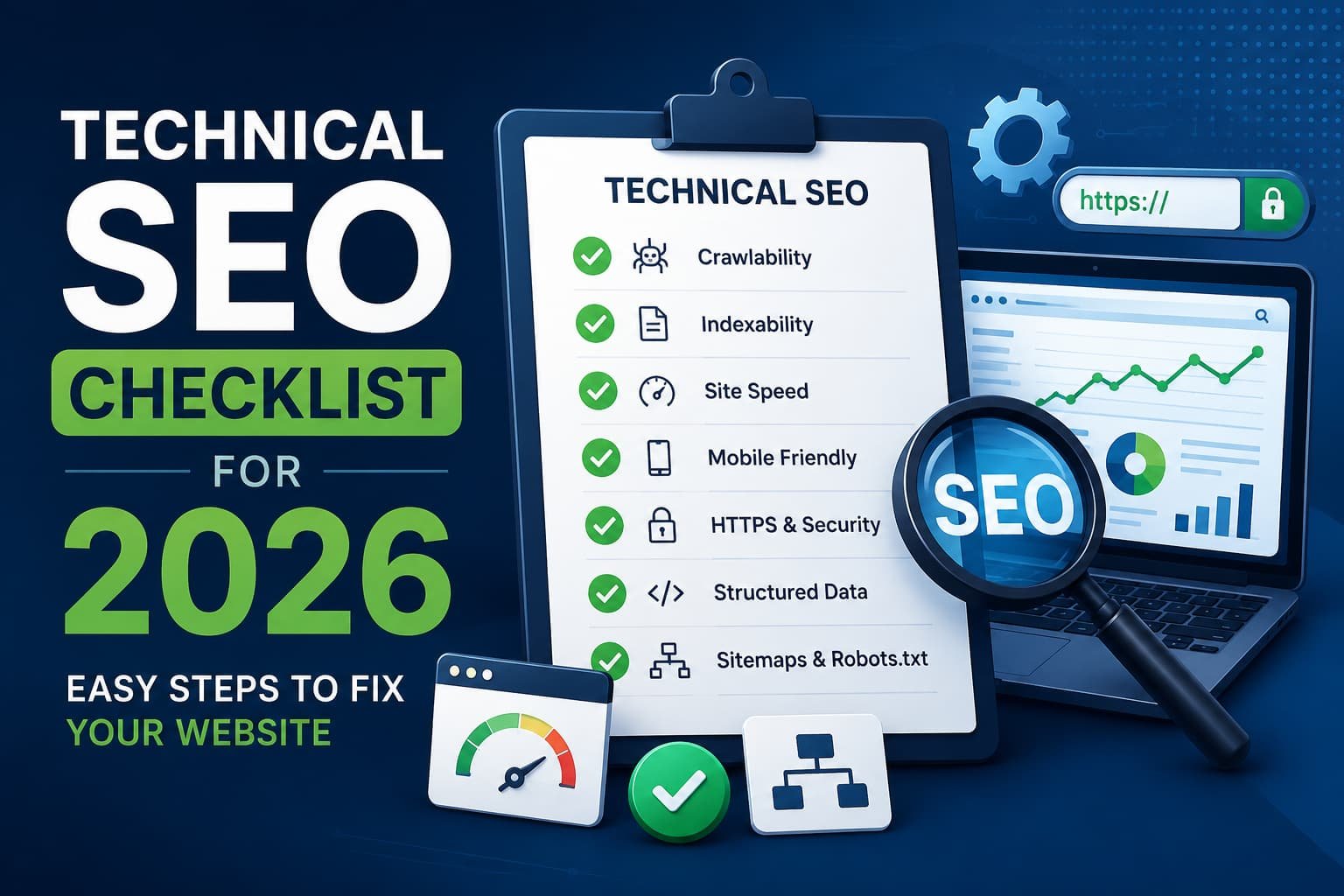
Search engines can’t rank a page they can’t crawl, read, or load quickly, and that single fact drives everything in this guide. Most website owners focus on writing good content first, then wonder months later why traffic never grows when the real block sits underneath the words: a broken sitemap, a slow server response, or a page search engines can’t even reach. Technical Search Engine Optimization (SEO) fixes that foundation before content has any chance to rank on top of it. This guide walks through 10 clear steps, built for real websites in 2026, covering everything from crawling and page speed to the newer challenge of AI crawler access.
What Is Technical SEO?
Technical SEO means fixing the behind-the-scenes parts of a website: page speed, mobile design, security, and site structure. A search engine sends a computer program called a crawler to visit web pages. The crawler reads the page, saves it, and decides where to rank it. A website with broken links, slow pages, or blocked pages stops the crawler from doing its job. Good technical SEO removes these blocks, giving every other SEO effort, including keyword research and content writing, an actual chance to work.
Why You Need a Technical SEO Checklist
A technical SEO checklist keeps every fix organized in one place. Website owners skip important steps without a clear SEO checklist, and small errors turn into big ranking problems over time. A tech SEO checklist works for beginners and professionals alike, since each step states a clear action with a clear result. Working through a fixed list also removes guesswork, since a website owner can point to exactly which fixes are done and which remain outstanding rather than relying on memory or assumption.
Use a technical SEO audit checklist for three main reasons:
- Find hidden errors search engines already see.
- Fix problems before they hurt rankings.
- Track progress with a repeatable SEO technical audit checklist.
How to Do a Technical SEO Audit (Step-by-Step)

A technical SEO audit checklist walks through 10 steps. Complete each step for the clearest results, since later steps, including schema markup and duplicate content fixes, matter far less if search engines still can’t crawl the site properly in the first place.
Step 1: Check Crawling and Indexing
Search engines must find a page before ranking it, so this step comes first regardless of how strong the rest of a website looks.
- Open Google Search Console (GSC) and check the Pages report.
- Read the robots.txt file to confirm no rule blocks important pages.
- Submit an updated sitemap through GSC.
- Fix broken links within 7 days of finding them.
A page marked “Discovered – currently not indexed” or “Crawled – currently not indexed” in the Pages report signals a real problem worth investigating immediately, rather than waiting for the next scheduled audit.
Step 2: Check Site Speed
A slow page loses visitors and loses rankings, since Google’s Core Web Vitals directly measure loading speed as a ranking factor.
- Test every page in Google PageSpeed Insights.
- Aim for the biggest image or text block to load within 2.5 seconds.
- Compress large images to under 200 kilobytes (KB) each.
- Enable browser caching so repeat visitors load pages faster than first-time visitors.
Mobile scores typically run lower than desktop scores on the same page, so check both separately rather than assuming a strong desktop result carries over.
Step 3: Check Mobile Friendliness
Google ranks websites based on the mobile version of a page, not the desktop version, a practice known as mobile-first indexing.
- Test every page in Google’s Mobile-Friendly Test tool.
- Make buttons at least 48 pixels wide for easy tapping.
- Remove pop-ups that cover most of the screen on phones.
- Check that font size stays readable without requiring a visitor to zoom in manually.
Step 4: Check Security (HTTPS)
A secure website builds trust with visitors and search engines, and browsers now flag non-secure sites directly in the address bar.
- Confirm every page uses Hypertext Transfer Protocol Secure (HTTPS), shown by a lock icon in the browser bar.
- Redirect old, non-secure links to the secure version.
- Confirm the SSL certificate hasn’t expired, since an expired certificate triggers browser security warnings that drive visitors away instantly.
Step 5: Check Site Structure and Links
A clear structure helps both visitors and search engines find pages.
- Keep every page within 4 clicks of the homepage.
- Add internal links to pages with no incoming links.
- Use short, readable web addresses with hyphens between words.
- Add breadcrumb navigation so both users and search engines can trace a page’s place in the site hierarchy.
A page with zero internal links pointing to it, often called an orphan page, receives almost no crawl attention regardless of its content quality.
Step 6: Check Schema Markup
Schema markup is a code snippet that explains page content to search engines in a language they understand directly.
- Add Article schema to blog posts.
- Add the Organization schema to the homepage.
- Add a Person schema to author bio pages, linking name and credentials to support Experience, Expertise, Authoritativeness, and Trustworthiness (E-E-A-T) signals.
- Test all schema in Google’s Rich Results Test tool.
Step 7: Check AI Crawler Access
AI search tools such as ChatGPT and Perplexity read websites the same way search engines do, and this access has become a genuine 2026 ranking consideration alongside traditional search visibility.
- Confirm robots.txt does not block AI crawlers, including OAI-SearchBot and PerplexityBot.
- Add an llms.txt file to the homepage folder to guide AI tools toward the right pages.
- Test AI visibility monthly, since AI crawlers update their indexes on a faster cycle than traditional search engines.
Step 8: Check JavaScript Rendering
Some websites load content with JavaScript code instead of plain text, which search engines process differently than standard HyperText Markup Language (HTML).
- Compare the raw page code against the rendered page in GSC’s URL Inspection tool.
- Move important text and links out of JavaScript-only sections.
- Test rendering across a few key page templates, since a rendering problem often affects one template rather than the entire site.
Step 9: Check Log Files
A log file is a record every server keeps of who visited each page.
- Download 30 days of server logs.
- Find pages the crawler never visited during those 30 days.
- Add links to those pages from higher-traffic pages.
- Verify that bots claiming to be Googlebot actually come from Google’s official IP ranges, since fake crawlers sometimes impersonate legitimate ones.
Larger websites benefit most from this step, since crawl budget waste becomes a real ranking factor once a site passes several thousand pages.
Step 10: Fix Duplicate Content
Duplicate pages confuse search engines about which version to rank.
- Add a canonical tag to the main version of any repeated page.
- Combine near-identical pages into one stronger page.
- Rewrite short pages under 300 words with new, useful details.
- Check filtered or sorted category pages on e-commerce sites, since these often create dozens of near-duplicate URLs automatically.
How to Prioritize Fixes When You Can’t Do Everything at Once
Most websites can’t tackle all 10 steps in a single afternoon, so prioritizing correctly matters as much as the fixes themselves. Fix crawling and indexing problems first, since a page search engines can’t reach gains nothing from any other fix on this list, regardless of how well-optimized it becomes. Address site speed and mobile usability second, since these two factors directly affect both ranking signals and the visitor’s first impression of the site. Move to security, structure, and schema markup once the first two categories are stable, since these fixes strengthen a foundation rather than repair a broken one. Save AI crawler access, JavaScript rendering, and log file analysis for last among technical priorities, if resources run short, since these three areas matter most for larger or more complex sites and less for a small, mostly static website.
Tools That Help With a Technical SEO Audit

A few tools make an SEO tech audit checklist faster to complete:
- Google Search Console: free indexing and error reports.
- Google PageSpeed Insights: free speed reports.
- Semrush: a paid site audit tool that scans hundreds of technical issues at once.
- Screaming Frog: Crawls a full site and lists broken links and redirects.
- Google Lighthouse: free, built into Chrome, for a quick single-page check without any setup.
Combine one free tool and one paid tool for most websites, since free tools cover the basics well but a paid crawler catches issues across thousands of pages faster than a manual check ever could. Run a chosen tool on the same day each month if the website updates content regularly so new errors get caught before they compound into bigger ranking problems.
Website SEO Checklist vs. Technical SEO Checklist
A website SEO checklist and a technical SEO checklist are not the same thing. A website SEO checklist covers everything: keywords, content, links, and technical fixes together. A technical SEO checklist only covers the SEO website technical requirements: speed, security, crawling, and structure. Complete the technical checklist first, then move to content and keyword work, since a page with strong keyword targeting still won’t rank if search engines can’t crawl or load it properly in the first place. Teams that run both checklists side by side, rather than treating technical SEO as a one-time setup task, catch ranking problems weeks before they show up as a visible traffic drop.
Quick Technical SEO Tips
Use these technical SEO tips between full audits:
- Check page speed once a month.
- Check for broken links once a month.
- Re-test mobile usability after every design change.
- Re-check robots.txt after every site migration.
- Scan for new duplicate content whenever a bulk content upload happens.
Common Technical SEO Mistakes to Avoid
A few mistakes show up repeatedly across otherwise well-run websites. Leaving a staging site’s noindex tag active after launch hides an entire site from search engines for weeks before anyone notices the traffic drop. Blocking CSS or JavaScript files in robots.txt prevents Google from rendering pages correctly, even when the actual content stays fully accessible. Chaining multiple redirects instead of pointing directly to the final URL wastes crawl budget and slows page load for every visitor who follows that link. Publishing duplicate title tags across dozens of pages splits ranking signals that a single, well-optimized title could have captured on its own. Ignoring Core Web Vitals data in Search Console lets a slow page sit unfixed for months, since these scores rarely improve on their own without a direct code or hosting change.
How This Fits Your SEO Strategy
A technical fix without a full SEO strategy checklist rarely lasts. Pair every technical fix with a content plan and a link-building plan. Technical SEO opens the door for search engines. Strong content and links keep a website ranking once that door stays open. Treat all three areas, technical, content, and links, as one connected system rather than three separate projects competing for the same limited time and budget. A common failure pattern looks like this: a team fixes every technical issue on this checklist, sees a small ranking bump, then stalls out because content never gets updated to match what search engines now reward. Revisit the technical checklist quarterly, but treat content and link building as ongoing work that never fully pauses.
Conclusion
A technical SEO checklist turns a confusing task into 10 clear steps. Start with crawling and indexing, move through speed, mobile, and security, then finish with schema, AI access, and duplicate content. Small websites finish this checklist in a few days. Larger websites take a few weeks. Either way, each fixed step moves a website closer to better rankings, and revisiting the same 10 steps every few months keeps that progress from quietly slipping backward. Websites that treat this checklist as a recurring habit, rather than a one-time project, tend to notice ranking problems within days instead of months, since new errors get caught while they’re still small and easy to fix.