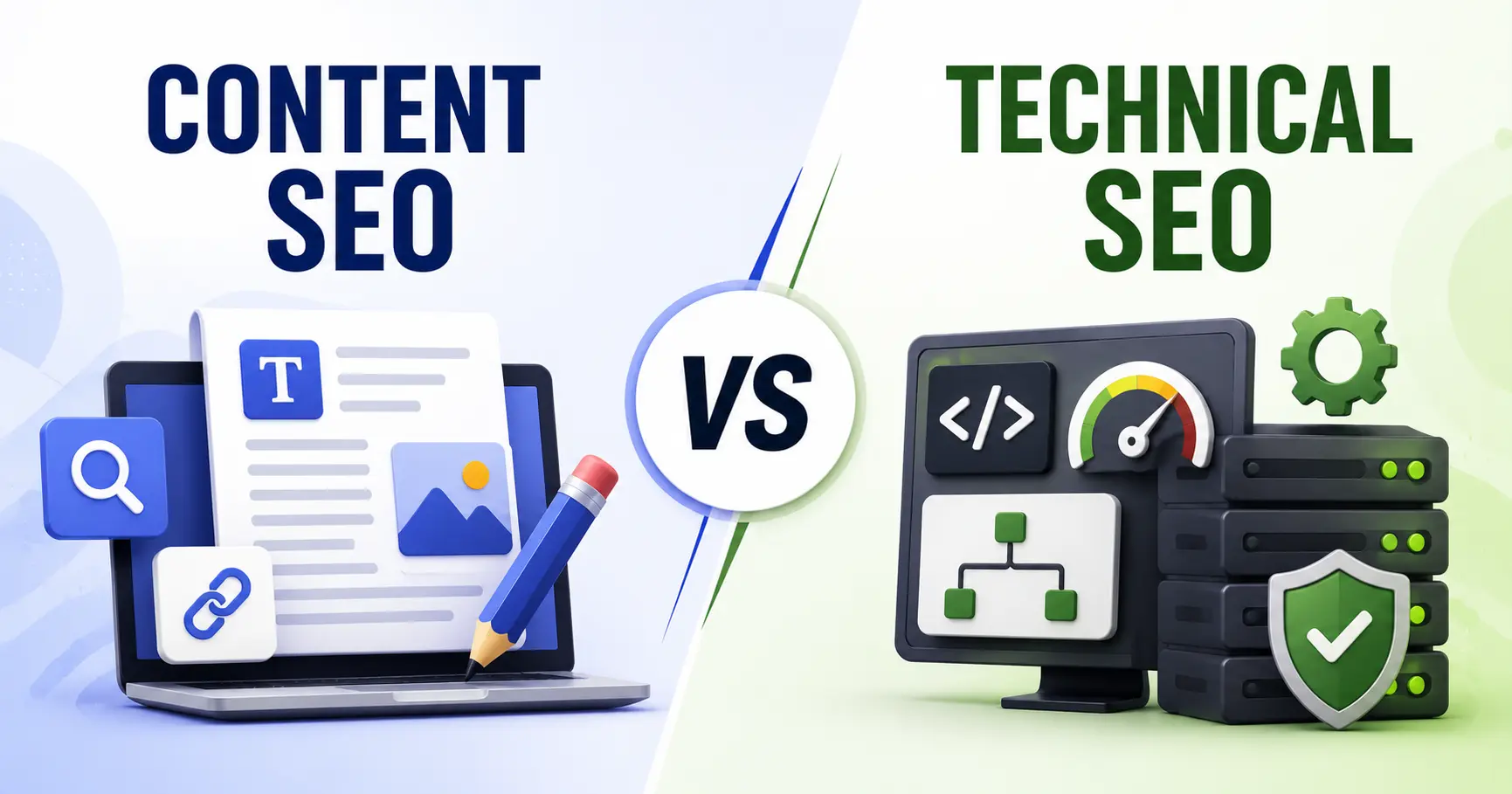
Technical SEO and content SEO solve two completely different problems. Technical SEO makes a site crawlable, indexable, and fast. Content SEO makes the pages on that site worth ranking in the first place. Neither one replaces the other. A technically flawless site with weak content won’t rank, and brilliant content sitting on a broken site will never get discovered.
This guide covers what each discipline actually involves, how they stack up against each other, who should own each one, what they cost in time and money, and how to figure out which one needs your attention first in 2026.
What Is Technical SEO?
Technical SEO is the practice of optimizing a website’s infrastructure so search engines can crawl, render, and index its pages correctly. It lives behind the scenes, at the code and server level, not in the words on the page. If Googlebot can’t reach or understand a page, nothing else about that page matters. It doesn’t get seen.
Here’s what falls under technical SEO:
- Crawlability and indexing. Robots.txt tells crawlers which pages to access. XML sitemaps list every page you want indexed. Meta robots tags (noindex, nofollow) control visibility page by page.
- Core Web Vitals. Google measures Largest Contentful Paint (LCP), Interaction to Next Paint (INP), and Cumulative Layout Shift (CLS). The current benchmarks: LCP under 2.5 seconds, INP under 200 milliseconds, CLS under 0.1. INP replaced First Input Delay (FID) back in March 2024, so if a resource you’re reading still mentions FID, it’s out of date.
- Mobile-first indexing. Google mostly uses the mobile version of your site for indexing and ranking now, so responsive design isn’t optional anymore.
- Structured data (schema markup). Code that helps search engines understand page context and qualify content for rich results like FAQ snippets, product listings, and review stars.
- Site architecture. A logical URL structure and internal-linking hierarchy that lets crawlers and users reach any page within 3 to 4 clicks.
- Security and canonicalization. HTTPS via TLS encryption, plus canonical tags that consolidate duplicate URLs so ranking signals don’t get split across them.
- Crawl budget management. Search engines only allocate so much time to crawling a given site. Blocking low-value pages (thank-you pages, filtered URLs, internal search results) through robots.txt keeps that budget focused on pages that actually matter.
- AI crawler access. A newer consideration. Some sites now publish an llms.txt file, essentially a robots.txt for AI, telling crawlers like GPTBot and ClaudeBot what they’re allowed to access and cite.
You can check technical health for free with Google Search Console, Lighthouse, and PageSpeed Insights. For bigger sites, tools like Screaming Frog, Ahrefs, SEMrush, and Sitebulb add deeper crawl diagnostics, including log file analysis that shows how often Googlebot actually visits the pages you care about.
How to Read Google Search Console for Technical vs. Content Signals
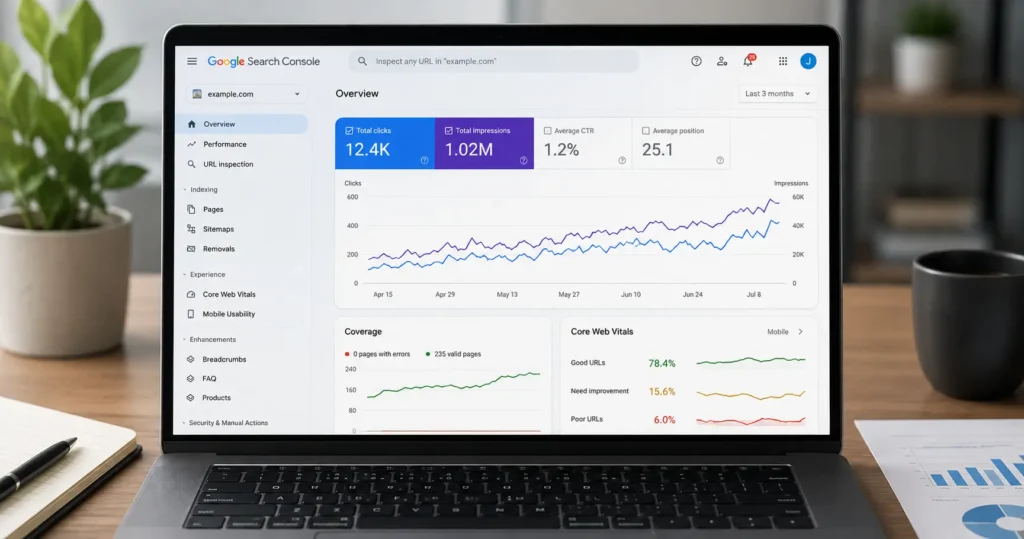
Google Search Console reports split cleanly into two buckets, and most site owners mix them up. Getting this distinction right saves weeks of chasing the wrong fix.
The Pages report (Coverage) flags technical problems. Statuses like “Discovered, currently not indexed,” “Crawled, currently not indexed,” “Blocked by robots.txt,” and “Server error (5xx)” all point to a technical barrier, not weak content, since Google never actually evaluated the content behind these statuses in the first place.
The Performance report tells a different story: it shows content signals. A page pulling strong impressions but a click-through rate under 1% for its target query usually means the title tag or meta description isn’t landing, and that’s a content fix, not a technical one.
There’s a trickier case worth knowing about too. A page marked “Crawled, currently not indexed” that actually has strong content usually points to a Helpful Content System judgment call rather than a crawl error. Google reached the page fine. It just decided not to index it.
One thing that’s never ambiguous: Core Web Vitals failures always mean technical work. These scores measure code and server performance directly, so there’s no content angle to consider.
What Is Content SEO?
Content SEO is the practice of shaping the words, headers, and metadata on a page so they match what someone is actually searching for and meet Google’s quality bar. If technical SEO gets a page found, content SEO decides whether it deserves to rank once it’s there.
The core pieces:
- Keyword research and search intent. Figuring out the terms your audience actually searches, and matching content to the intent behind them (informational, transactional, navigational). Small wording differences matter here: “widget manufacturers” and “widget manufacturing” imply different intents and shouldn’t share a page.
- E-E-A-T (Experience, Expertise, Authoritativeness, Trustworthiness). Google’s Search Quality Rater Guidelines use E-E-A-T to judge content quality, and it carries extra weight on YMYL topics (Your Money or Your Life) like finance, health, and legal advice. Author bylines, credentials, and cited sources all feed into this.
- The Google Helpful Content System. This is the ranking system that checks whether content was written for people or just to chase search traffic. E-E-A-T feeds directly into it rather than sitting off to the side; content that shows real experience and expertise is exactly what this system rewards.
- On-page optimization. Title tags around 60 characters so they don’t get cut off, meta descriptions between 150 and 160 characters, a proper header hierarchy from H1 through H6, and image alt text, all written for both keyword relevance and actual usefulness to the reader.
- Internal linking. Connecting related pages to spread authority around and help both readers and crawlers understand how your content fits together.
- Content clusters and topical authority. Grouping related pages around a core topic so your site reads like one comprehensive resource instead of a pile of disconnected posts.
- Freshness. Keeping existing pages updated with current data and examples instead of letting them go stale. A content audit on a fixed schedule, quarterly or twice a year, catches pages losing relevance before rankings actually drop.
- Avoiding cannibalization. Publishing too many pages that target the same or overlapping keywords forces Google to split ranking signals across them instead of putting them all behind one strong page.
Content SEO vs. Technical SEO: Side-by-Side
| Factor | Technical SEO | Content SEO |
| Primary focus | Website infrastructure and crawlability | Content quality, relevance, keyword targeting |
| Where the work happens | Code, server, CMS settings | Copy, headers, metadata |
| Who typically owns it | Developers, technical SEO specialists | Content writers, SEO strategists |
| Core tools | Google Search Console, Lighthouse, PageSpeed Insights, Screaming Frog | Ahrefs, SEMrush, SurferSEO, keyword research tools |
| Speed to results | Impact within 2 to 4 weeks once re-crawled | Rankings build over 3 to 6 months as authority accumulates |
| Failure mode if ignored | Pages don’t get crawled or indexed at all | Pages get indexed but don’t rank or convert |
| Example fix | Compress images, add schema markup, fix broken redirects | Rewrite for intent, add expert quotes, update stats |
Who Should Own Technical SEO vs. Content SEO?
Ownership gaps stall more SEO work than any single tactical mistake does. Assign each discipline to someone specific instead of assuming it’s covered.
On the technical side, you’re usually looking at a developer or engineering team for the code-level fixes (redirects, schema, rendering issues), a technical SEO specialist to audit and turn findings into tickets, and DevOps or IT for server response time and hosting.
Content SEO tends to fall to the writers and subject-matter experts actually producing the pages, an SEO strategist running keyword research and internal linking strategy, and an editor holding the line on E-E-A-T: bylines, fact-checking, keeping things updated.
Smaller teams often collapse these into one or two people. Larger organizations split them further. Someone still needs explicit responsibility for each side. Treat “SEO” as one undifferentiated task and it tends to default to whichever discipline is easier for the team you already have, which is usually content, since it doesn’t require developer time.
Budget and Timeline: What Each Actually Costs
Technical SEO usually costs more upfront because it eats developer hours, but it can resolve as a one-time fix. Content SEO costs less per unit of work but needs continuous investment, since content has to keep getting produced and refreshed to stay ranking.
| Technical SEO | Content SEO | |
| Typical upfront cost | Higher: developer time, tools, possible platform changes | Lower: writing time, editorial tools |
| Ongoing cost | Lower once fixed, aside from monitoring | Continuous: new content, updates, refreshes |
| Time to implement a fix | Days to 3 weeks, depending on developer availability | 1 to 3 days per page, value compounds over months |
| Time to see ranking impact | 2 to 8 weeks, once pages are re-crawled and re-indexed | 3 to 6 months, as authority and relevance accumulate |
Put budget toward technical fixes first if you’ve confirmed crawl or indexing errors on the site. Once the technical foundation tests as sound, shift that same budget into content SEO for the compounding, longer-term returns.
A Real Diagnostic Walkthrough
Take a mid-size e-commerce site: 4,000 product pages, 60,000 monthly organic sessions, ranking stuck around position 14 to 18 for its top 50 target keywords for six straight months.
Step 1: Check the GSC Pages report first. This site showed 340 pages (8.5% of the total) as “Crawled, currently not indexed” and 210 pages (5.25%) throwing intermittent 5xx errors during peak traffic. Both numbers clear the 5% threshold that signals a technical problem worth fixing before touching a single word of content.
Step 2: Check Core Web Vitals. LCP came in at 4.1 seconds on mobile, way above the 2.5-second benchmark, caused by unoptimized product images averaging 2.8 MB each. Compressing those images down to under 200 KB dropped LCP to 2.1 seconds within three weeks of redeployment.
Step 3: Recheck rankings after the technical fix. Average position improved from 16 to 11 across the top 50 keywords within five weeks. The plateau really was partly technical.
Step 4: Address what’s left. Even after the technical fix, 22 of the top 50 keywords stayed stuck below position 10. A competitor content audit showed the top-ranking pages answering 4 to 6 more subtopics per page than this site’s equivalent pages did. Rewriting those 22 pages to close that gap moved 15 of them into the top 10 within four months.
The pattern here is the whole point: technical fixes raise the ceiling, and content decides how high a page actually climbs once that ceiling is gone.
Which One Should You Prioritize First?
Run through this before spending limited time or budget on either side.
Signs technical SEO needs attention first:
- GSC shows more than 20% of your URLs as “Excluded” or in “Error” status.
- Core Web Vitals are failing on LCP, INP, or CLS.
- Pages you’ve published aren’t showing up in search at all, no matter how good they are.
- A recent site migration or CMS change didn’t get proper 301 redirects.
- Log files show Googlebot barely visiting pages you’ve recently updated.
Signs content SEO needs attention first:
- The site is technically sound (passing Core Web Vitals, fully indexed) but still not ranking.
- Traffic shows up, but bounce rate is over 70% and time on page stays under 30 seconds.
- You rank for transactional terms but not for informational, top-of-funnel queries.
- A competitor content audit shows they’re answering more subtopics or user questions than you are.
- Rankings plateau despite steady publishing, which points to a topical authority gap rather than a volume problem.
If both sets of signs show up, fix crawlability and indexing first. Content improvements can’t really be measured if pages aren’t reliably indexed in the first place, so technical work has to clear the noise before content investment can pay off.
How Technical SEO and Content SEO Work Together in 2026
The line between the two keeps blurring as AI-driven search grows. Generative Engine Optimization (GEO), meaning writing and structuring content so AI Overviews and chat-based assistants can accurately summarize and cite it, leans on both pillars at once. Structured data and clean HTML make content machine-readable. Clear, well-sourced writing makes it worth citing in the first place.
That shift is changing what “technical” and “content” mean in practice:
On the technical side, server-side rendering matters more than it used to, since AI crawlers process pages differently than traditional search bots and may not run JavaScript the way Googlebot does. An llms.txt file, structured FAQ schema, and clean semantic HTML all improve how AI systems parse and cite a page.
On the content side, the Helpful Content System and E-E-A-T standards apply just as much to content meant for AI summarization as they do to regular rankings, arguably more so, since AI Overviews tend to pull from sources that already show clear expertise and original thinking.
In practice, treat the two as one system with two levers, not a choice between them:
- Confirm the technical foundation is solid: crawl status, index status, speed, mobile rendering, structured data, AI crawler access.
- Build content around genuine search intent and E-E-A-T signals.
- Measure both together. A ranking drop could come from either side, so isolate the cause with Search Console and log files before assuming it’s a content problem.
Common Mistakes in Each Discipline
Technical SEO mistakes:
- Leaving JavaScript-rendered content unoptimized, so crawlers never actually see it.
- Building redirect chains instead of clean, direct 301s after a URL change.
- Optimizing only for desktop and ignoring mobile performance.
- Skipping log file analysis, so crawl issues go unnoticed until rankings have already dropped.
- Still monitoring for FID after INP replaced it, which means optimizing for the wrong metric entirely.
- Blocking CSS or JavaScript in robots.txt, which stops Google from rendering the page correctly.
Content SEO mistakes:
- Keyword stuffing instead of writing for natural language and actual intent.
- Publishing thin, surface-level pages instead of genuinely comprehensive ones.
- Letting high-performing pages go stale instead of refreshing them on a schedule.
- Skipping E-E-A-T signals (bylines, credentials, cited sources) on YMYL topics, where they matter most.
- Creating keyword-cannibalizing pages that dilute ranking signals instead of consolidating them behind one page.
- Writing to hit a word count instead of covering the subtopics a searcher actually needs.
Conclusion
Technical SEO and content SEO measure two different things: whether a page can be found, and whether it deserves to rank once it is. A ranking plateau almost always traces back to one side or the other, and checking both Search Console’s Pages report and Performance report will tell you which one before you change anything. Fix confirmed crawl, index, or Core Web Vitals failures first, since content improvements are impossible to measure accurately on pages search engines can’t reliably reach.
Once the technical foundation tests as sound, put that same budget into search-intent-matched, E-E-A-T-backed content for the compounding returns technical fixes alone can’t produce. Sites that treat both disciplines as one connected system, instead of picking a side, close ranking gaps faster than sites stuck optimizing one half while the other quietly caps everything.